Mastering Invoices: The 2025 Guide to Getting Paid Faster
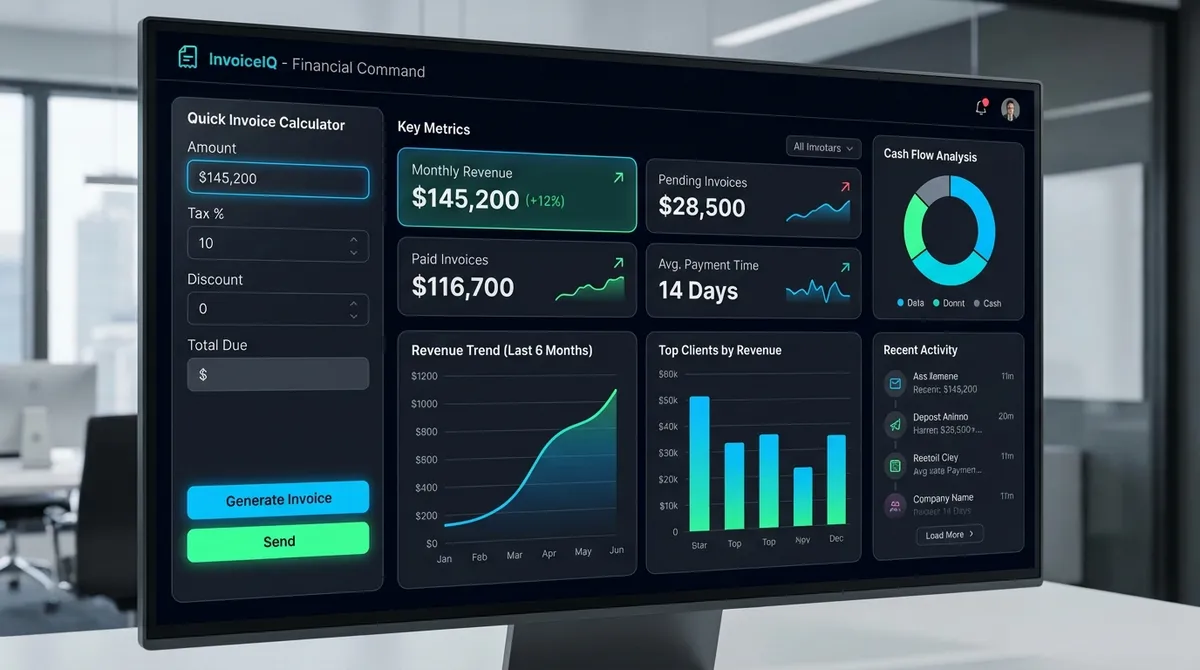
An invoice is more than just a bill—it is a legal document that defines the terms of your business transaction. In 2025, the difference between a "paid" invoice and a "disputed" one often comes down to clarity and mathematical precision. Whether you are a freelancer sending your first bill or a small business owner managing complex orders, this guide explores the mechanics of invoice totals, the legal hierarchy of discounts versus taxes, and how to use our tool to generate professional, GAAP-compliant invoices that get paid faster.
The Mechanics of a Perfect Invoice
While our generator handles the math instantly, understanding the underlying formula is crucial for any business owner. The standard invoicing algorithm follows a strict order of operations mandated by Generally Accepted Accounting Principles (GAAP).
The Golden Formula
- Line Total = Quantity × Unit Price
- Subtotal = Sum of all Line Totals
- Taxable Base = Subtotal - Discounts
- Tax Amount = Taxable Base × Tax Rate
- Total Due = Taxable Base + Tax Amount
Why Order Matters
The most critical rule in invoicing is: Discounts come before Tax. If you calculate tax on the full price and then apply a discount, you are effectively overcharging your customer for sales tax they shouldn't owe. This is not just bad math; in many jurisdictions (like the UK and Canada), it is illegal.
Case Study: The Freelance Designer
Let's look at a real-world scenario. Sarah is a freelance graphic designer in New York City (8.875% Sales Tax). She just completed a branding package for a client.
The Work
- Logo Design $1,500.00
- Web Assets (5 hrs @ $100) $500.00
- Subtotal $2,000.00
The Calculation
- New Client Discount (10%) -$200.00
- Taxable Amount $1,800.00
- NYC Tax (8.875%) +$159.75
- Total Due $1,959.75
*Note: If Sarah had taxed the full $2,000 first, the tax would have been $177.50—an overcharge of $17.75.
Tax Compliance & Legal Requirements
Invoicing isn't just math; it's law. With the rise of e-invoicing mandates in 2025, tax authorities are increasingly scrutinizing digital transactions. Whether you are calculating VAT, GST, or US Sales Tax, your invoice must meet specific criteria to be valid. For more details on compliance, check Generally Accepted Accounting Principles (GAAP) or local regulations.
- Explicit Tax SeparationNever bundle tax into the unit price unless explicitly stated (e.g., "Tax Included"). B2B invoices standardly require tax to be a separate line item.
- Discount ClarityTrade discounts (e.g., "10% off") reduce the taxable base. Early payment discounts (e.g., "2/10 net 30") typically do not reduce the upfront sales tax, as they are contingent on future behavior.
- Currency SpecificationAlways specify the currency code (USD, GBP, EUR). Our calculator allows you to toggle this to avoid international payment confusion.
5 Common Invoicing Mistakes to Avoid
The 'Tax-on-Tax' Fallacy
Applying a second tax rate to a subtotal that already includes a tax. Tax is always applied to the base price.
Floating Point Errors
Using standard calculator apps can introduce tiny decimal errors (e.g., 0.1 + 0.2 = 0.300000004). Professional tools use currency-specific math.
Vague Descriptions
Billing for 'Consulting' is weak. Billing for '5 Hours of Strategy Consulting @ $150/hr' is enforceable.
Phantom Discounts
Forgetting to verify that a fixed discount doesn't exceed the subtotal, which can result in a negative balance.
Missing Due Dates
An invoice without a due date is a suggestion, not a bill. Always set clear terms (e.g., Net 15, Due on Receipt).
Pricing Models: Project vs. Retainer Invoicing
How you structure your invoice depends heavily on your pricing model.
Project-Based
Best for defined scope work (e.g., "Build a Website").
- Milestone Invoicing: 50% Upfront, 50% on Delivery.
- Risk: Scope creep can lead to unpaid extra work.
- Tip: Always include a strict "Out of Scope" hourly rate on the invoice.
Retainer-Based
Best for ongoing value (e.g., "Monthly SEO Maintenance").
- Recurring Invoicing: Billed automatically on the 1st of the month.
- Line Items: Description of goods/services, quantity, unit price, and total amount.
- Tax & Discounts: Applicable sales tax (Sales Tax Calculator) or VAT, and any discounts applied.
- Total Due: The final amount the client must pay.
- Terms & Conditions: Payment due date (Net 30, Net 60), late fee policy, and payment methods (Bank Transfer, Credit Card, PayPal).
Why Correct Invoicing Matters
Invoicing isn't just paperwork; it's the lifeline of your business's cash flow.
Faster Payments
Clear, professional invoices reduce confusion and disputes, leading to quicker payments. This improves your Cash Flow.
Professional Image
A well-structured invoice reinforces your brand and professionalism, building trust with clients.
Legal Protection
Invoices serve as a collaborative record. If a client refuses to pay, a detailed invoice is crucial evidence.
Tax Compliance
You need accurate records of revenue and sales tax collected for end-of-year filing.
Common Invoicing Terms
Understanding these codes can help you get paid faster:
- Net 30: Payment is due 30 days after the invoice date.
- Due on Receipt: Payment is due immediately upon receiving the invoice.
- 1/10 Net 30: The client gets a 1% discount if they pay within 10 days; otherwise, full payment is due in 30 days. This can boost your ROI by accelerating cash turnover.
Invoice vs. Receipt vs. Purchase Order
It's easy to mix these up:
- Purchase Order (PO): Issued by the buyer before the work starts, stating what they want to buy and at what price.
- Invoice: Issued by the seller after the work is done (or milestones met), requesting payment.
- Receipt: Issued by the seller after payment is received, confirming the transaction is closed.
Tips for Invoicing Freelancers & Contractors
- Itemize Your Work: Don't just say "Web Design." Say "Homepage Design - 10 hours @ $50/hr". Transparency builds trust. check your Margins first.
- Number Your Invoices: Use a sequential system (e.g., INV-001, INV-002) to keep track of payments and pending bills.
- Send It Promptly: Don't wait until the end of the month. Send the invoice as soon as the project is delivered while the value is fresh in the client's mind.
- Follow Up: If the due date passes, send a polite reminder. Most non-payments are simple oversight, not malice.
Managing Late Payments
Late payments strain your working capital. To prevent them:
- Require a deposit upfront (e.g., 50%) for large projects.
- clearly state late fees in your initial contract.
- Offer multiple payment options (Credit Card, ACH, Stripe/PayPal) to remove friction.
Agency vs. Freelancer Invoicing: Key Differences
If you are scaling from a freelancer to an agency, your invoices need to evolve.
- Branding Consistency
Freelancers can get away with a template. Agencies must have a branded PDF that reflects their premium status.
- Payment Terms
Freelancers often accept "Due on Receipt". Agencies dealing with larger corporate clients typically standardized on Net 30 or Net 60.
- Remittance Advice
Agency invoices should include a detachable remittance slip or clear banking details for ACH/Wire transfers, as checks are becoming obsolete.
Invoicing Etiquette: How to Be Professional
Sending a bill is a touchpoint with your client. Treat it as part of your customer service.
- Be Polite but Direct: "Please pay this invoice" is better than "Money needed." Use phrases like "Thank you for your business."
- Send it Immediately: Don't wait 2 weeks after the work is done. It signals you aren't organized.
- Follow Up Respectfully: If payment is late, assume it was an oversight. Send a gentle reminder: "Just wanted to bring this to the top of your inbox."
- Double Check Everything: A typo in the client's name or a math error looks amateurish and delays payment.
Best Practices for Faster Payments
Accurate calculation is only half the battle; presentation is the other. Invoices that are clear, professional, and mathematically transparent get paid 20% faster on average.
"The clarity of an invoice is directly proportional to the speed of its payment. Confusion causes hesitation; hesitation causes delay." - ROI experts generally agree that efficient billing improves liquidity.
Ideal term for services
Standard immutable format
Prevents dispute delays
The Future of Invoicing: E-Invoicing & Digital Standards (2025)
As businesses move towards full automation, the humble PDF invoice is evolving. By 2026, many countries are mandating structured electronic invoicing (e-invoicing) for B2B transactions. Understanding these shifts can future-proof your billing process.
Mobile-First Billing
Over 40% of invoices are now viewed on mobile devices. Our generator ensures your invoice looks perfect on any screen size before you adhere to print dimensions. We recommend using concise descriptions and clear, bold totals to accommodate smaller viewports.
Integrated Payment Links
Adding a "Click to Pay" link in your PDF notes section can reduce days sales outstanding (DSO) by 30%. While our tool generates the document, always include payment URLs (Stripe, PayPal, Bank Transfer details) in the 'Notes' field for faster cash flow settlement.
Manual Templates vs. Invoicing Software: What to Choose?
Every business starts somewhere. You might begin with a Word document, but as you scale, the risks of manual entry errors increase.
| Feature | Manual Templates (Word/Excel) | Dedicated Software / Generators |
|---|---|---|
| Cost | Free | Free - $50/mo |
| Calculation Security | High Risk (Broken formulas) | Automated & Specific |
| Tracking | Manual Spreadsheet | Built-in Dashboard |
| Professionalism | Variable | Consistent Branding |
The Complexity of International Invoicing
Selling across borders introduces a layer of complexity that trips up many entrepreneurs. It's not just about changing the currency symbol.
Exchange Rate Management
If you invoice in a foreign currency (e.g., EUR) but your base is USD, you bear the exchange rate risk. It is standard practice to specify a "Spot Rate" date or invoice in your home currency to protect your margin.
VAT and Cross-Border Tax
Selling digital services to Europe? You may owe VAT in the customer's country, not yours (Place of Supply rules). Always verify if you need to register for VAT Moss or similar schemes before sending the bill.
Freelancer FAQ: What Needs to Be on Your Invoice?
Freelancers often miss critical details that delay payment. Beyond the math, your invoice acts as a communication tool. Here is a checklist of non-negotiable elements for independent contractors.
Your Tax ID (EIN/SSN)
Many corporate clients cannot process payment without a W-9 on file or the Tax ID listed directly on the invoice for 1099 reporting. This is crucial for business financing and tax compliance.
PO Number
Large companies often require a Purchase Order (PO) number. Sending an invoice without it guarantees it will be rejected by Accounts Payable.
Detailed Line Items
Never just write "Services". Write "Website Redesign - Phase 1: Homepage & About Us (20 Hours)". Granularity builds trust and reduces questions.